
NEW: AudioEye launches Agentic Audits and SDK MCP
Read more'Tis the Season: 2026 Holiday Accessibility Guide for Retailers
This holiday season, AI is on both sides of your storefront. It’s building your site and it’s doing research for users. Accessibility decides whether either one works.

On this page
Picture two shoppers on the same product page on Black Friday morning. One is a blind shopper using a screen reader. The other is an AI agent, asked by a busy parent to find the best winter coat for a 10-year-old. Both find the product. Both go looking for a size chart. But the chart is an image with no description. The screen reader announces a file name, or nothing at all. The AI agent has no reliable way to read the sizes, so it recommends another coat instead. Neither one converts into a purchase.
According to the National Retail Federation’s holiday sales data, the holidays account for approximately 19% of annual retail sales, and more of that spending now runs through AI. Half of shoppers use an AI assistant at some point in their buying journey, a 67% jump from last year, according to Salesforce’s holiday shopping predictions.
But AI isn't just shopping websites more frequently, it’s helping build them too. This includes features teams rushed out before code freeze, and the landing pages, gift guides, and promo banners still going up during the freeze. All of it can quietly ship with accessibility problems. And because holiday code freezes usually stop code changes but not content updates, new issues keep going live while existing ones may stay broken until January.

Many Holiday Shoppers Now Arrive Through AI
Salesforce predicts that 20% of all 2026 holiday ecommerce traffic will come from AI. That includes shoppers asking chatbots for gift ideas, agents completing tasks on their behalf, and bots scanning prices.
The shoppers in that mix are worth chasing. In March 2026, Adobe’s research on AI traffic to retail sites found that traffic from AI sources converted 42% better than non-AI traffic, a record high. A year earlier, that same traffic converted 38% worse. And during the 2025 holiday season, AI traffic to U.S. retail sites rose 693% year over year. In just one year, AI went from sending weak traffic to sending some of the highest-converting visitors retailers see.
What changed? Trust, for one: 74% of shoppers now say they trust the product recommendations they get from AI chat. AI shoppers have already compared options in a chat window, and once they land on your site, they stay 48% longer and view 13% more pages than non-AI traffic.
However, there's a catch. AI can only recommend what it can read, and Adobe scored retail product pages at just 66% for machine readability. AI tools tend to see the basics, like the page title and navigation, while missing what shoppers care about most: product descriptions, pricing, and promotions.
AI also isn't sending shoppers to your homepage. AI search engines send about two-thirds of their traffic to interior pages, like product and category pages. AudioEye's 2026 Digital Accessibility Index found that those interior pages average 10% more accessibility issues than homepages.
In other words, AI is routing your best-converting shoppers straight to pages with more accessibility issues than your homepage.
Accessible Pages Are Easier for AI to Read
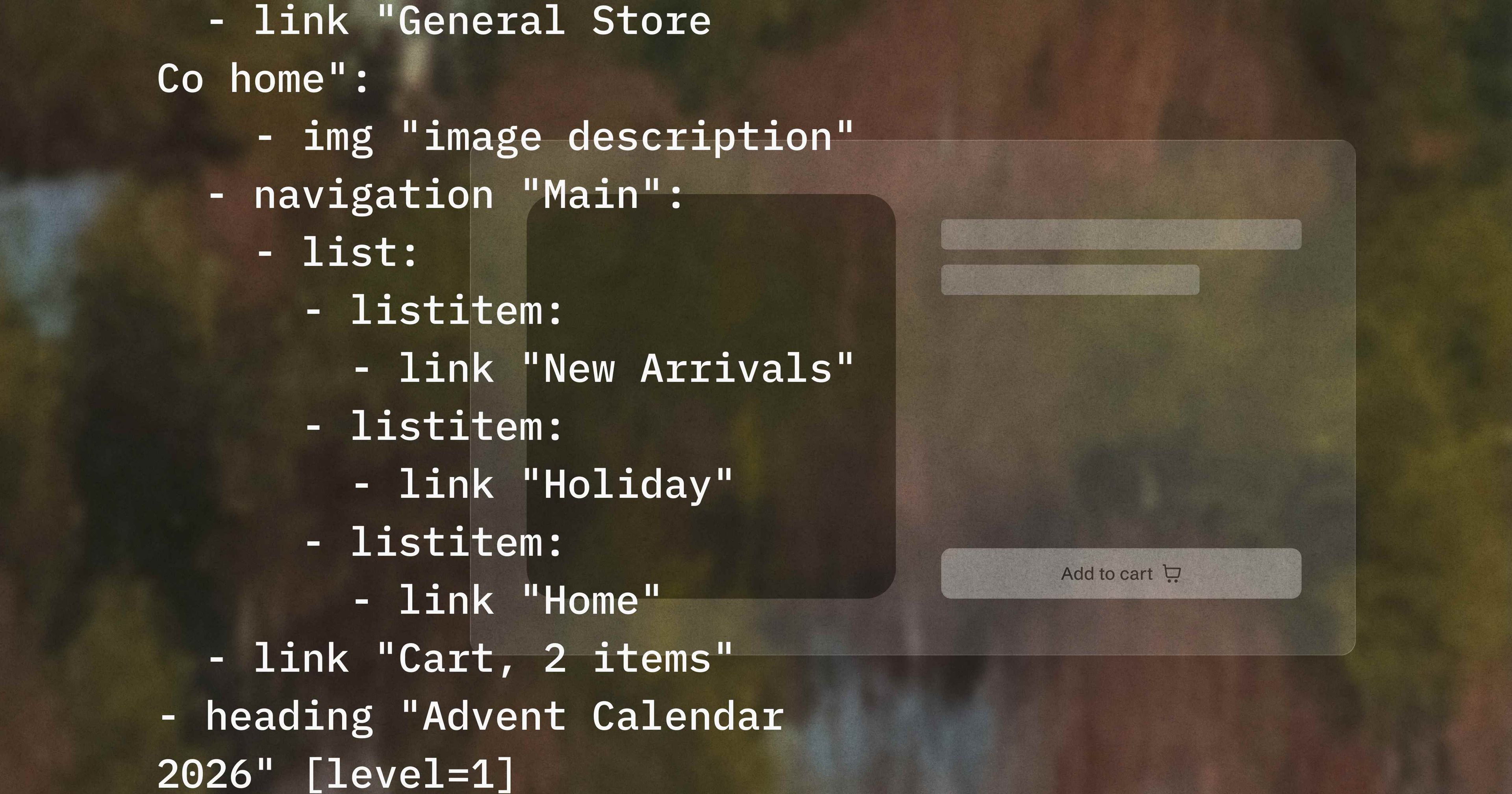
Screen readers and AI agents don't "see" a webpage in the traditional sense. Screen readers and many AI agents read a page’s accessibility tree, a structured map of every heading, link, button, and form field, to understand what’s on the page and act on it. When a button has no label or a product photo has no description, the map has a hole in it, and screen reader users and AI agents both fall through.
AudioEye tested this directly. In our study of AI agents on accessible and inaccessible websites, we sent 1,560 AI agents to complete everyday tasks on six websites, with and without accessibility fixes in place. On the site with the most accessibility issues, agents completed just 31% of their tasks. On an accessible version of the same site, they completed 96%.
Our Index found that five issues account for 40% of all detected accessibility failures:
Missing image descriptions
Unclear link text
Unlabeled buttons and form fields
Low-contrast interactive elements
Missing skip navigationScreen readers and AI agents don't "see" a webpage in the traditional sense. Screen readers and many AI agents read a page’s accessibility tree, a structured map of every heading, link, button, and form field, to understand what’s on the page and act on it. When a button has no label or a product photo has no description, the map has a hole in it, and screen reader users and AI agents both fall through.
AudioEye tested this directly. In our study of AI agents on accessible and inaccessible websites, we sent 1,560 AI agents to complete everyday tasks on six websites, with and without accessibility fixes in place. On the site with the most accessibility issues, agents completed just 31% of their tasks. On an accessible version of the same site, they completed 96%.
Our Index found that five issues account for 40% of all detected accessibility failures:
Missing image descriptions
Unclear link text
Unlabeled buttons and form fields
Low-contrast interactive elements
Missing skip navigation
Much of what AI agents need, people with disabilities needed first:
Accessibility won't cover everything AI needs, but it's a strong place to start.
What your pages say matters, too. Product descriptions that answer real gift-shopping questions (who it's for, what size to buy, when it will arrive) give AI something useful to quote. FAQ-style content and plain language help the same way, and plain language is also an accessibility best practice for people with cognitive disabilities.
One investment, three returns: a more inclusive shopping experience, reduced legal risk (78% of accessibility lawsuits target online retailers), and a site AI can actually read and use.
Don’t Leave Shoppers Stuck at Checkout
AI is writing more of the web, and accessibility isn’t built in. An AudioEye study of AI-generated code and accessibility asked five leading AI coding tools to build websites that met Web Content Accessibility Guidelines (WCAG) 2.2 AA, the global accessibility standard. All 15 sites failed Level A, the most basic tier. The online stores fared worst, averaging 174 accessibility issues per page, more than three times the average across all 15 sites. Yet 81% of teams using AI coding tools believe their code meets accessibility standards.
These aren't cosmetic problems. One in five detected accessibility issues blocks people from completing a purchase, submitting a form, or accessing their account, which are the issues that drive both lost sales and legal risk exposure. AI-built components often look fine on screen while failing for someone navigating by keyboard or screen reader. That makes your cart, checkout, and account sign-up (or login) the places to check first.
Many retailers enter a code freeze before the holidays, a stretch when engineering teams stop shipping site changes so nothing breaks during peak season. Emergency fixes still go out, but accessibility issues often don’t make that list. A checkout that a screen reader user can't complete may stay that way all season.
That’s why the time to test is now. If your site isn't frozen, test your checkout, cart, and account flows with real assistive technology, especially anything AI helped build. If it already is, test anyway. You'll know which shoppers are being frozen out this season, and what to fix first when the freeze lifts.
For AudioEye customers, there's another option. Our fixes load via JavaScript, so new fixes can go live during a freeze without a code deploy. Real time monitoring keeps scanning your site all season to catch new issues from content updates or third-party scripts, and automated fixes handle about half of the issues AudioEye detects. Custom fixes, developed with accessibility experts and members of the disability community, cover complex issues that automation can't. Together, they can fix up to 97% of detected issues. For the rest, which require changes to underlying code, source feedback reports show your team what to fix.
Much of this is powered by AudioEye Intelligence, our proprietary accessibility dataset. And for the code your team ships next, the AudioEye SDK MCP brings that same intelligence into the AI coding tools developers already use. It also catches 2.5x more issues than other accessibility tools do before anything goes live, according to an independent study.
Two Shoppers, One Wishlist
You don't need a full audit to get started. Here are five checks anyone on your team can run this week.
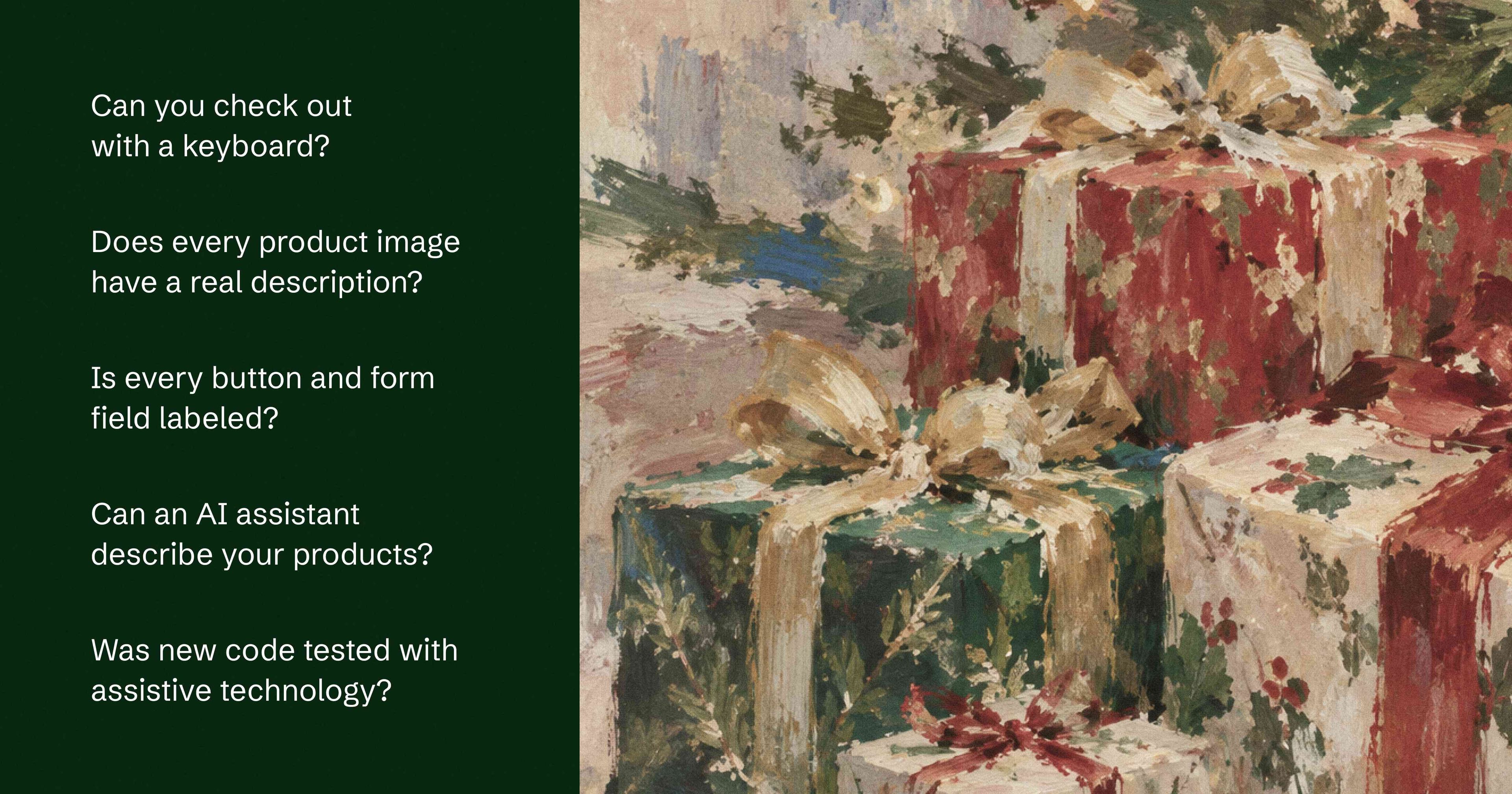
Can you check out with a keyboard? Unplug your mouse and try. Many shoppers with disabilities navigate entirely by keyboard.
Does every product image have a real description? A file name or “product image” tells screen reader users and AI agents nothing.
Is every button and form field labeled? Check the add-to-cart button, and the fields for shipping, payment, and promo codes. An unlabeled button is a dead end for both shoppers.
Can an AI assistant describe your products? Give one a link to a key product page and ask what it can tell you: price, sizes, and current promotions. Anything it misses is something it can’t recommend you for.
Was new code tested with assistive technology? That’s especially important for anything AI helped write.
Give Every Shopper a Way In
Go back to those two shoppers and the size chart. Add a description, and both of them find the right coat. That's the opportunity this holiday season.
Accessibility is how you earn the trust of every shopper, including the one in four adults living with a disability. Working-age U.S. adults with disabilities control an estimated $1.3 trillion in disposable income. When a site gets in their way, most shop somewhere else: nearly 7 in 10 disabled shoppers(downloads a file) with access needs say they leave sites that are hard to use. The same fixes that keep these shoppers on your site also make it easier to read for the AI assistants more people now rely on.
Not sure where your site stands? Run a free scan with the AudioEye Accessibility Scanner to see what to fix first.